IT Equipment
Tools and Devices Powering Modern Technology
Computers & Laptops
Desktop PCs for office and personal work.
Laptops for mobility and remote work.
Workstations for heavy computing tasks like graphic design and programming.
Networking Devices
Routers and switches for network connectivity.
Modems for internet access.
Access points for Wi-Fi coverage in offices or homes.
Storage Devices
Hard Disk Drives (HDDs) and Solid State Drives (SSDs).
External drives and USB drives.
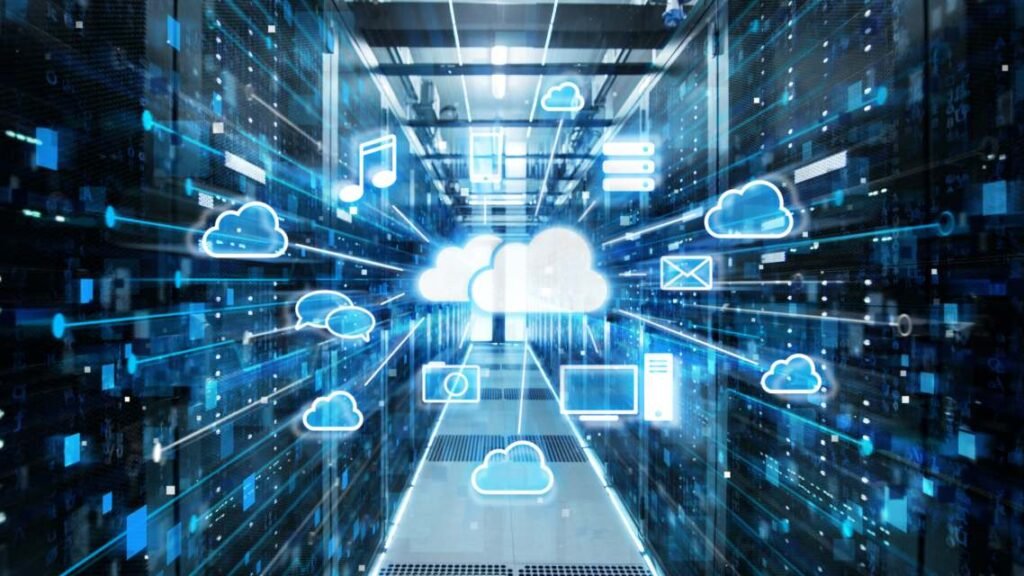
Cloud storage solutions for secure data access anywhere
Peripherals
Input devices: Keyboard, mouse, scanner.
Output devices: Monitors, printers, projectors.
Other devices: Speakers, webcams, and headsets.
Other Equipment
Servers for hosting applications and databases.
UPS (Uninterruptible Power Supply) for power backup.
Networking cables and adapters.
Cloud & Server
Specifications / Features
CPU, RAM, and processing power.
Storage capacity (HDD/SSD).
Connectivity options (USB, Wi-Fi, Bluetooth).
Durability, warranty, and brand reliability.
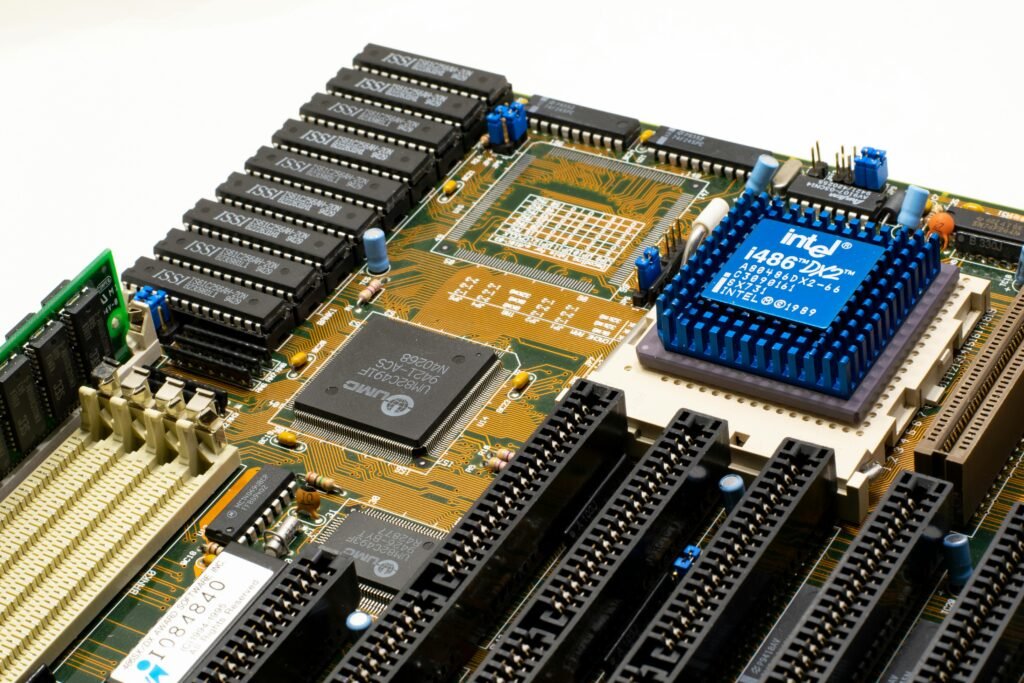
Maintenance & Care
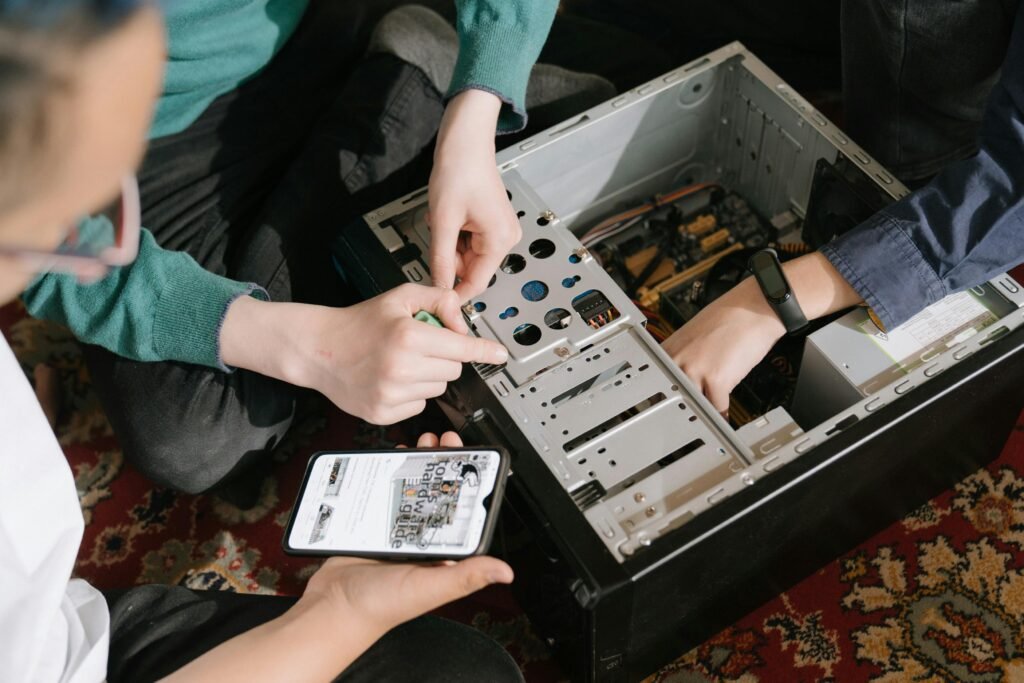
Regular cleaning of hardware to avoid dust accumulation.
Software and security updates to keep devices safe.
Routine data backup and recovery plans.
Proper handling and storage to extend lifespan.
Applications / Usage
Office Work: Document management, communication, presentations.
Programming & Development: Software development, coding, testing.
Gaming & Multimedia: High-performance computers for graphics and entertainment.
Education: E-learning, research, and virtual classrooms.
Conclusion
IT equipment forms the backbone of modern digital infrastructure. Investing in reliable and up-to-date devices ensures productivity, efficiency, and secure data management. As technology evolves, IT equipment continues to play a critical role in business and personal environments.


Quick Links
contect us
525 N Sam Houston PKwy E Suite 13 Houston ,TX 77060